
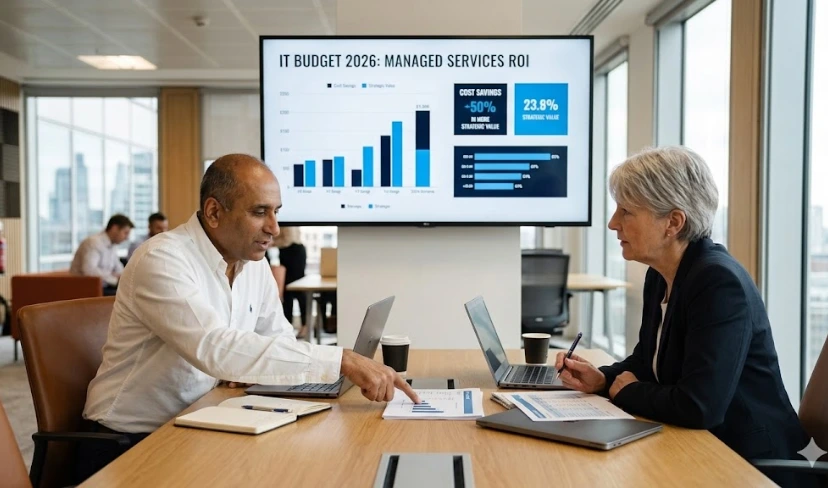
IT Budget 2026: How UK CIOs Justify Managed IT Services Spend to the CFO
Budget season brings the same conversation every year. The CIO comes to the table with a request for increased IT spend. The CFO asks what the business is getting for it. And too often, the IT services provider sitting at ...
- All
- AI Consulting
- Awards
- Cloud Services
- Cyber Security
- IT Consultancy
- IT Procurement
- Managed IT Services
- Modern Workplace
- Press Releases
- Software Development
- Sustainability
- All
- AI Consulting
- Awards
- Cloud Services
- Cyber Security
- IT Consultancy
- IT Procurement
- Managed IT Services
- Modern Workplace
- Press Releases
- Software Development
- Sustainability

10 Warning Signs Your UK Business Urgently Needs a Managed IT Services Provider UK
Your IT team is stretched. Your systems are slow. And somewhere at the back of your mind, you know something is not quite right. For ...

Microsoft Copilot ROI: What UK CIOs Are Actually Seeing in 12 Months
When Microsoft launched Copilot for Microsoft 365 in late 2023, the hype was extraordinary. By mid-2026, we are 12–18 months into real, sustained deployments, and ...

Zero Trust Security in 2026: A CIO’s Implementation Roadmap for UK Businesses
Zero trust is no longer a concept that UK CIOs can defer to a future roadmap. In 2026, it is a regulatory expectation, a cyber-insurance ...

What is a Managed IT Services Provider? A Complete Guide for UK Businesses (2026)
Your IT problems do not disappear because you are too busy to deal with them. They accumulate, slow down your people, and quietly increase risk ...

ISO 27001 Managed IT Services Provider UK: Why Certification Should Be Your Non-Negotiable in 2026
If your managed IT provider is not ISO 27001 certified, you are carrying a risk that most boards have not yet quantified. ISO 27001 is ...
Best Managed IT Services Provider UK: Accreditations That Separate Good MSPs from Great Ones
Most UK businesses evaluate IT providers the same way: price, response times, and a handful of reference calls. What most organisations do not think to ...

Managed IT Services Provider UK: How to Benchmark Your IT Performance Before You Outsource
Most UK businesses get around to benchmarking their IT performance after they have already signed a managed services contract and started wondering why things are ...

Cloud Solutions UK for Hybrid Working: How to Support Remote Teams Securely
Most UK businesses moved to hybrid working almost overnight. The tools followed quickly: video calls, shared drives, remote access. What many organisations did not build ...

How to Choose the Right Cloud Solutions Provider for Your UK Business
Choosing the wrong cloud solutions provider in the UK can cost far more than the initial contract. Security incidents, runaway costs, and performance problems later ...

Cloud Solutions UK for Hybrid Working: How to Support Remote Teams Securely
Most UK businesses moved to hybrid working almost overnight. The tools followed quickly: video calls, shared drives, remote access. What many organisations did not build ...

Why UK Businesses Need 24/7 Managed IT Services
Most UK businesses today have antivirus software, a firewall, and some form of cloud backup. They assume that is enough. It is not. Having security ...

How to Support Hybrid Work Securely with a UK Managed IT Services Provider
Hybrid work has changed the shape of IT permanently. Across UK businesses, teams now split their time between offices, homes, and client sites, connecting from ...

Managed IT Services: What Downtime Is Really Costing UK Businesses
Every minute your systems are down, the cost to your business rises. For UK organisations still relying on reactive IT support, the true price of ...

IT Automation for SMEs: From Manual Tasks to Scalable Operations
Most SMEs are losing hours every week to IT tasks that should not require a person at all. Patch management completed one device at a ...

Human Factor in Cybersecurity: How Employees are Making Businesses Vulnerable
The human factor in cybersecurity is the leading cause of data breaches across UK organisations. While businesses invest in firewalls, endpoint detection, and advanced threat ...

macOS Management Challenges? How Microsoft Intune Helps IT Leaders Regain Control
macOS Management Challenges are more common than most IT leaders want to admit. Apple devices now account for a significant share of enterprise endpoints across ...

AI Strategy for SMEs: A Step-by-Step Guide to Drive Growth in 2026
Most SME leaders know they need to act on AI. Few have a clear plan for doing it. An AI strategy for SMEs is a ...

AI Cybersecurity for Finance SMEs in 2026
AI cybersecurity for finance SMEs is the use of artificial intelligence to detect cyber threats, prevent financial fraud, and maintain regulatory compliance across small and ...

AI in IT Operations: What SME CIOs Need to Know in 2026
AI in IT operations is the application of artificial intelligence to automate monitoring, detect anomalies, predict infrastructure failures, and optimise technology performance across an organisation’s ...

Cloud Security for UK SMEs: Protecting Data in AWS and Azure
Cloud security for UK SMEs is the set of policies, controls, and technologies that protect data, applications, and infrastructure hosted on public cloud platforms such ...

Hybrid Cloud Strategy: What UK Businesses Need to Scale Securely in 2026
A hybrid cloud strategy is a cloud computing approach that combines private cloud infrastructure, whether on-premises or collocated, with one or more public cloud platforms, ...

Cybersecurity for UK Law Firms: How to Protect Your Practice in 2026
Cybersecurity for UK law firms means protecting legal practices from cyber threats, including ransomware, phishing, data theft, and payment fraud, through technology controls, staff training, ...

Managed IT Services UK: How They Reduce Operational Overhead for SMEs
Managed IT Services UK providers give SMEs a fixed-cost, professionally managed IT function without the overhead of building it in-house. For growing businesses, that means ...

AI vs Traditional Cybersecurity: What UK SMEs Actually Need in 2026
AI cybersecurity is not a replacement for traditional tools; it is a significant upgrade to how those tools work. For UK SMEs, the real question ...

Why SMEs Are Prime Targets for AI-Powered Cyberattacks
SMEs sit at the top of the list for AI-powered cyberattacks because they often lack the resources to fight back effectively. Attackers use AI to ...

AI in Cybersecurity for SMEs: What Business Leaders Must Do Right Now
AI in cybersecurity for SMEs is no longer experimental; it is essential. Threats are faster, smarter, and more automated than human teams alone can manage. ...
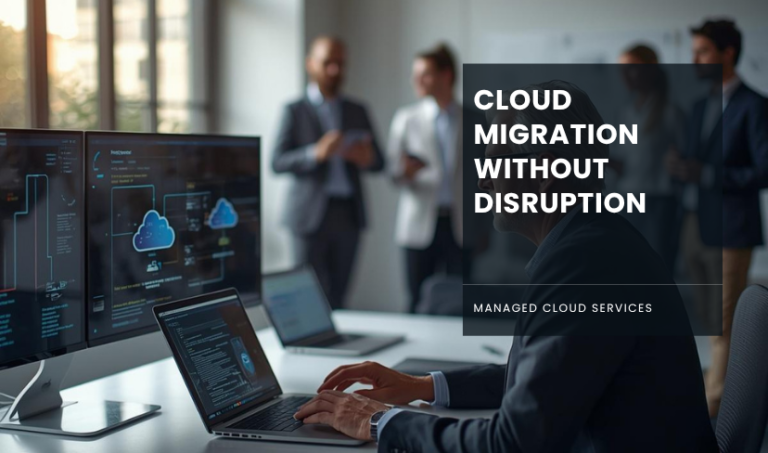
Cloud Migration in 2026: A CTO’s Guide to Moving Workloads Without Disruption
You already know the pressure. Servers are ageing, systems are slowing, and innovation feels chained to legacy infrastructure. Yet, the thought of migrating workloads to ...

Outsourced IT Support UK: 24/7 Managed IT for Small Businesses
For many small and mid-sized businesses, technology only gets attention when something goes wrong. A slow system, a failed backup, or a security issue can ...
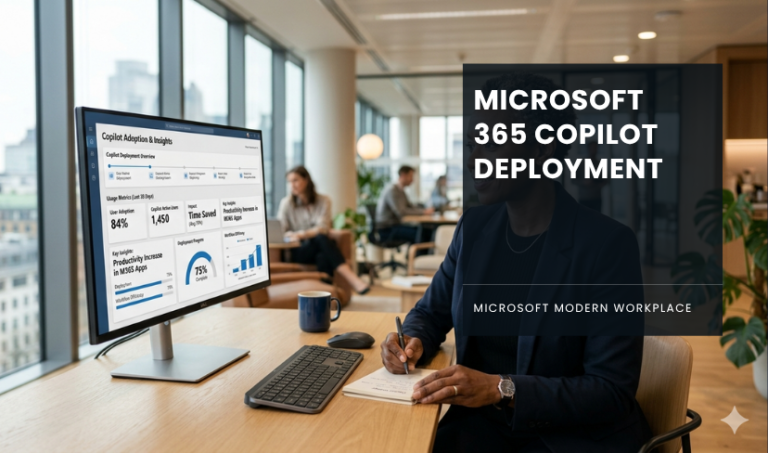
Microsoft 365 Copilot Deployment: What IT Leaders Need to Know
Written by SONNY SEHGAL | CEO When Microsoft 365 Copilot launched, it promised to bring AI straight into your team’s workflow. But turning that promise ...

Managed IT Services for Small Businesses UK: The 2026 Guide to Outsourcing IT
Written by SONNY SEHGAL | CEO Running a small or medium-sized business in 2026 means managing more technology than ever before and with a smaller team ...